Leadvent's Event Matchmaking App is your smart networking companion.
Find the right contacts, schedule meetings, explore sessions, and stay connected throughout the event—all from your mobile device.
Download now and transform the way you network.


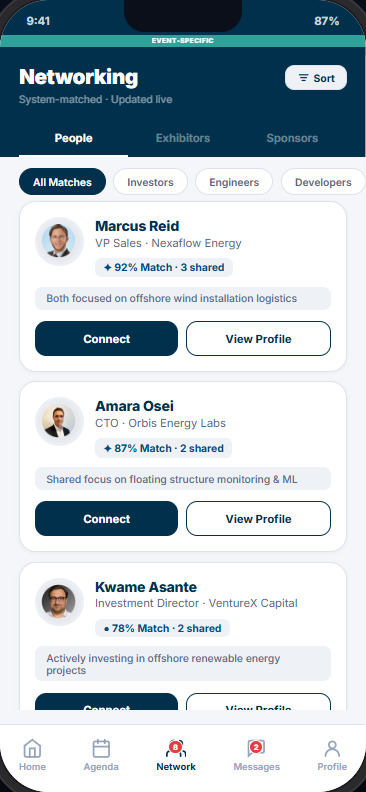
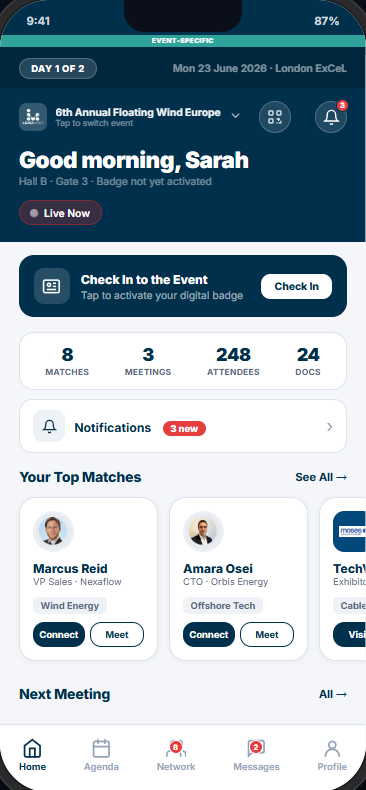
To make the most of your experience, we recommend you download the event app once you're registered. This will allow you to pre-arranged meetings and connect with other delegates before attending.
With our event and networking app, you can find a lot of relevant information such as (agenda, delegate list etc) on the app. This will allow you to pre-arrange meetings and connect with other delegates before attending.

Please click the links above to download the app on either the App Store or Google Play.

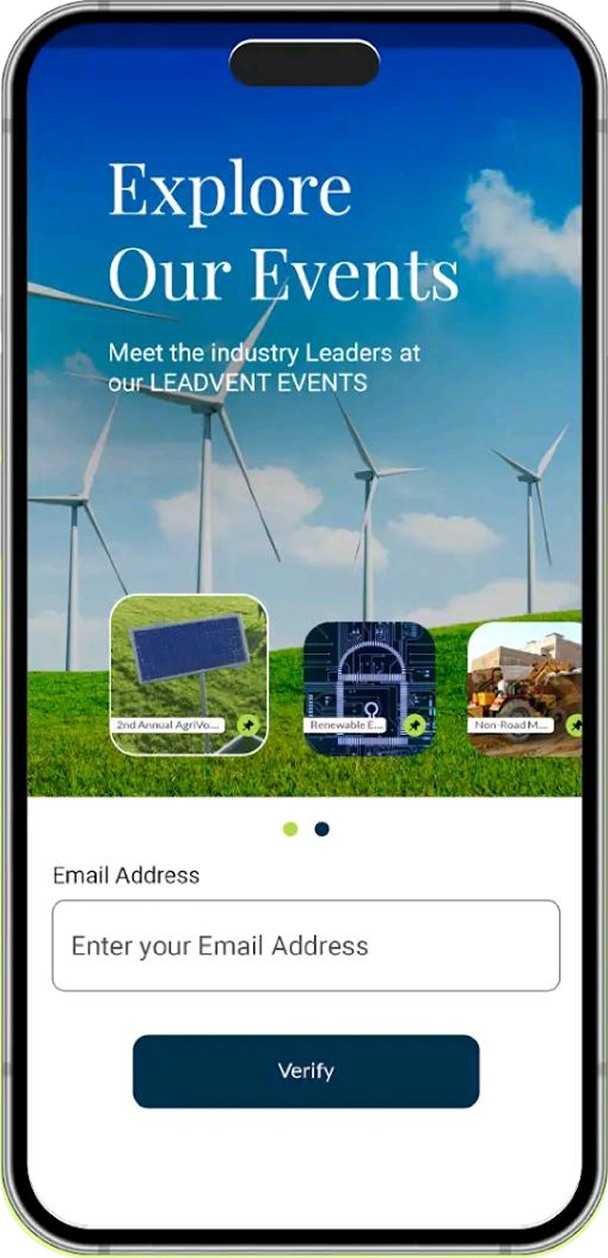
Once you have registered for the event, you will receive an app invitation email with link, username and password. To access the app, click on the link and then enter your credentials.

Once downloaded, please use the email you registered to the event with as your username and the password to login.

Add/update your photo, profile, and view the privacy information

Browse the full session schedule and bookmark sessions to create your personal agenda

View detailed profiles of participating speakers

View a list of fellow event attendees and connect with them to expand your professional network.

Stay updated with important event notifications and schedule changes in real-time.
Point your camera at either code to install the Leadvent networking app.

